

Render in your browser.
AEC Nexus Web Studio turns model views, drawings and photographs into realistic images and short videos. Use it with any design app, on a computer, iPad or iPhone. Nothing to install.
Three ways to start.
Choose what you have. Then choose a scene and generate.
-
Capture a drawing view
Choose the open SketchUp, Revit or AutoCAD window and outline the drawing area once. Window capture needs a supported desktop browser.
-
Upload an image or photo
Use an exported view, a screenshot or a photograph. On iPad and iPhone, choose from Photos or Files, or take a photo.
-
Start from words
Describe the scene and create an image from a text prompt.

Works with the software you already use.
- SketchUp
- Revit
- AutoCAD
- Rhino / Grasshopper
- Archicad
- Vectorworks
- BricsCAD BIM
- Bentley OpenBuildings
- MicroStation
- 3ds Max
- and your photographs
Waterfront marina, a 20-second architectural animation.
From still to film.
-
Turn a rendering into video
When the image is ready, make it move. Choose 5, 10, 15 or 20 seconds.
-
Longer films are in Web Studio
The 15 and 20 second options are only in Web Studio.
-
Clear credit costs
Video uses 6 credits per second: 30 credits for 5 seconds, up to 120 for 20 seconds.

Pricing.
Every paid license includes 100 credits each month. Web Studio has its own license: a Render subscription does not include it.
Pay yearly and save 10%. New accounts start with 10 free trial credits.
All Web Studio plans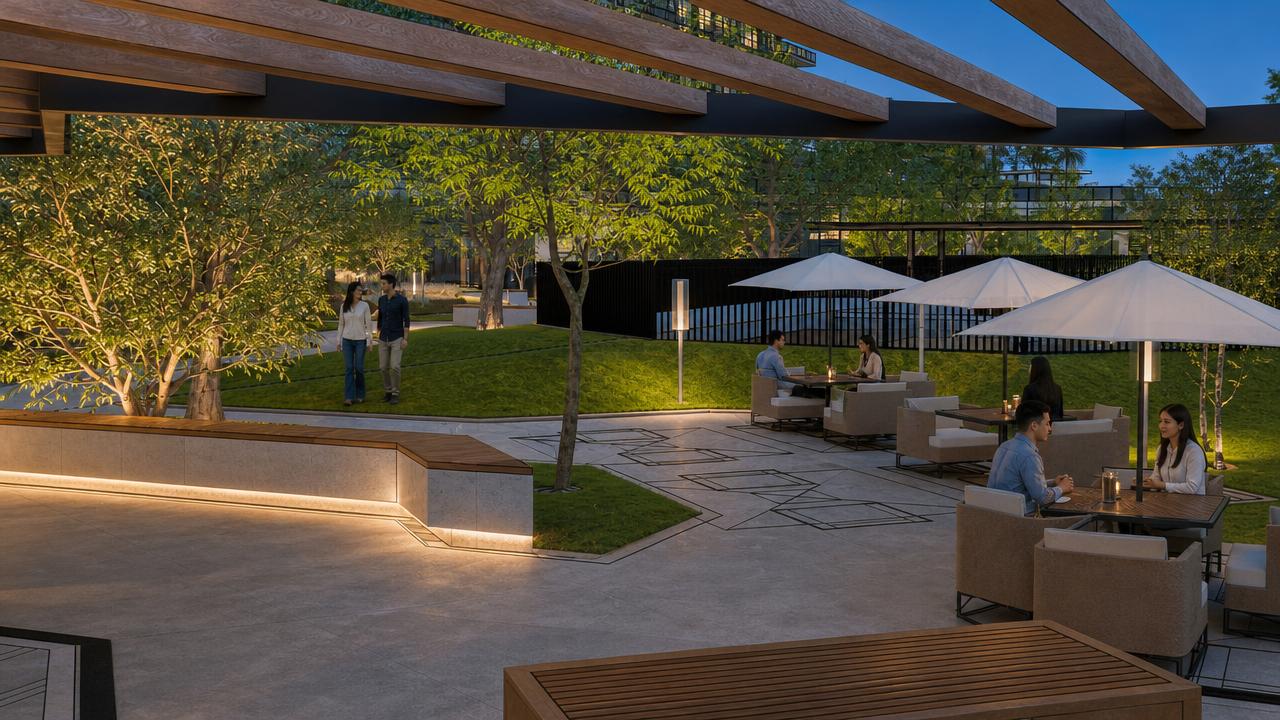
Open Web Studio.
Sign in with your AEC Nexus account. New accounts get 10 free trial credits.