

AI Nexus Render v0.9.33
Your SketchUp model, rendered.
Realistic images and short videos, made inside SketchUp 2024–2027 on Windows.
The same model, before and after.
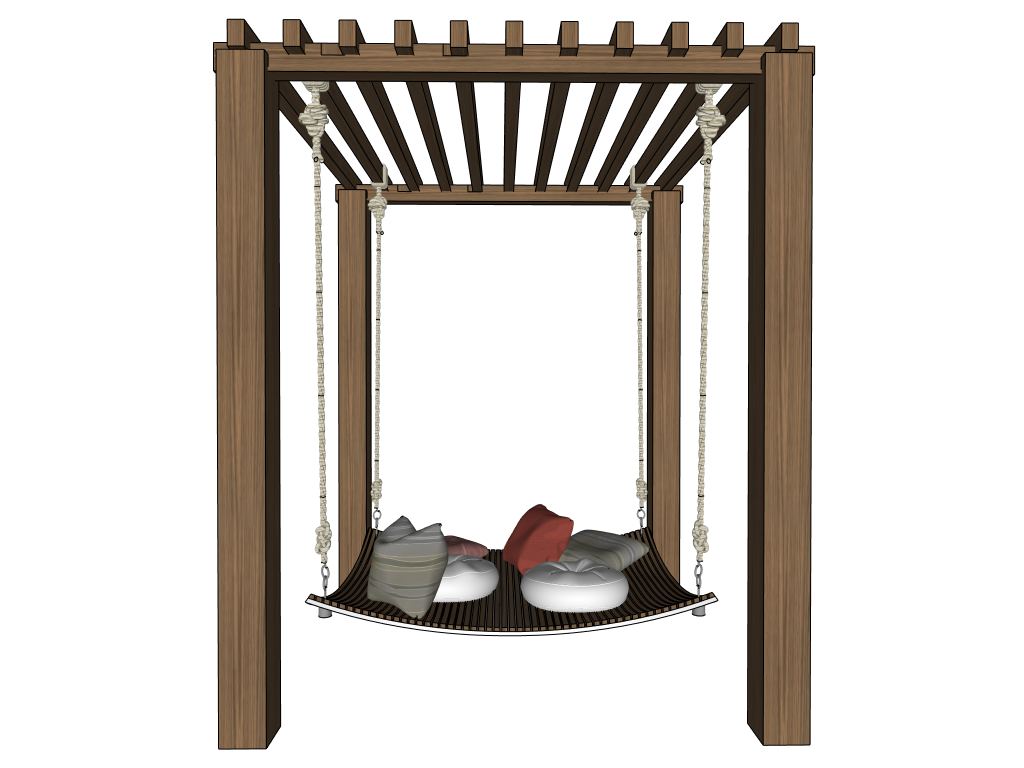


Three steps, all in SketchUp.
-
1
Design in SketchUp
Work on your model as you do today.
-
2
Run AI Nexus Render
Capture the view, choose presets and edit the prompt.
-
3
Generate your rendering
Choose 1K, 2K or 4K. The JPG is saved for you to share with clients and project teams.
Follow the waterfront SketchUp model through the rendering workflow with AI Nexus Render v0.9.30. 2 minutes 28 seconds, with female American-English narration and English captions.
Stay in your SketchUp workflow.
-
No separate upload
Render from your existing 3D model. You do not export images to another website.
-
Explore more options
Try design ideas without relying on traditional manual rendering.
-
Present with confidence
Show clients and project teams how a design could look beyond the basic 3D model.
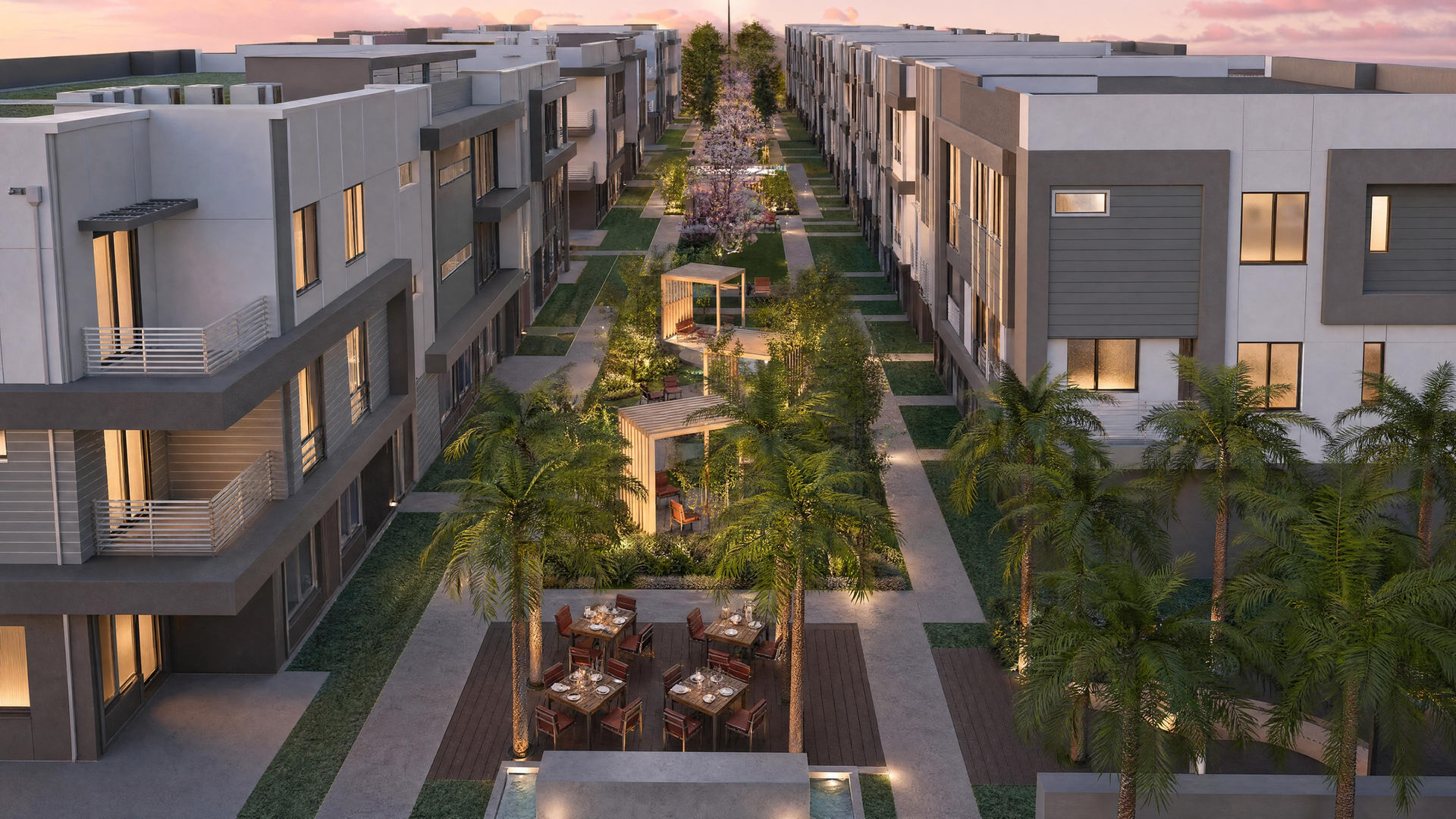
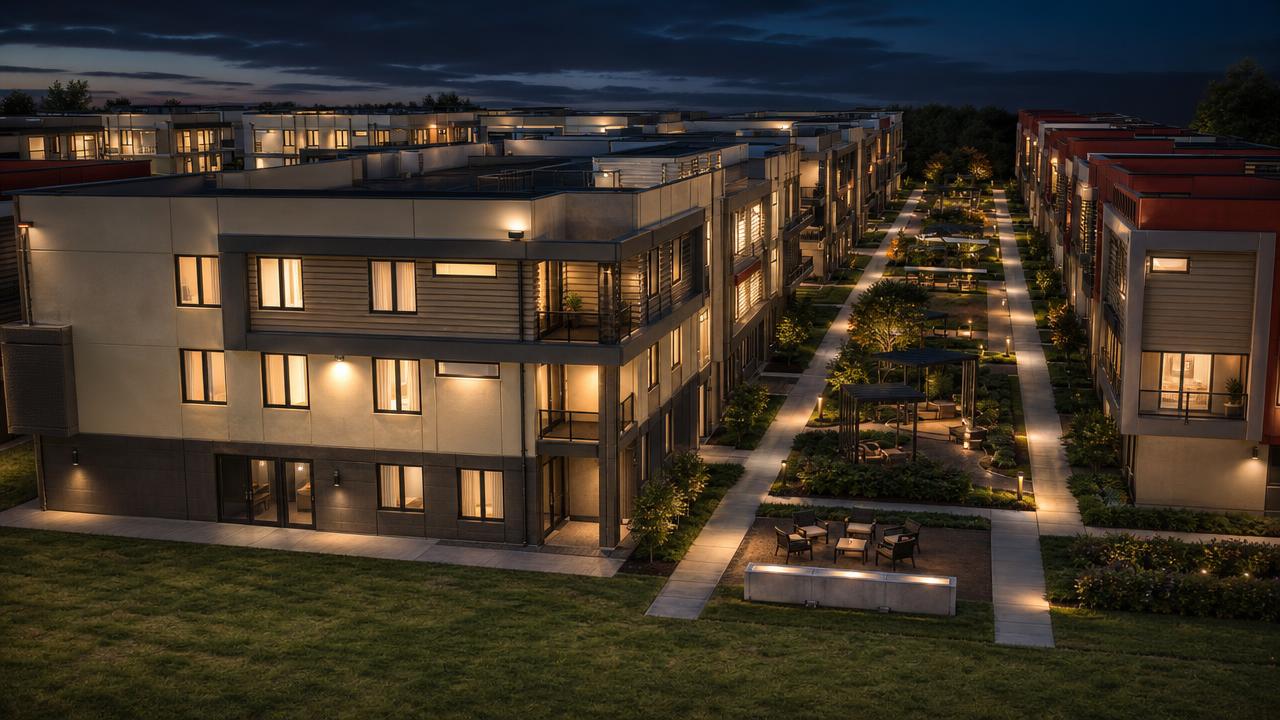
One model, many moods.
Change the time of day or the weather and keep the design. Show a client golden hour, blue hour and evening from one view.
Aloe Promenade


Pricing.
Every paid license includes 100 rendering credits each month. A 1K still uses 1 credit, 2K uses 2 and 4K uses 4.
- Included
- 100 rendering credits every month
- Renders inside SketchUp, no export
- 10 free trial credits to start
Works with SketchUp 2024, 2025, 2026 and 2027 on Windows. How credits are used
View plans and subscribe